Wireless classroom broadcast
One screen.
The whole class.
Live.
Mago Classroom turns any classroom display into a wireless hub that broadcasts the lesson to every student device in real time, over your own network, with nothing in the cloud.
✦ Student devices join from browser or native app.
Open the Browser or Mago Student app and press Join Classroom and you're in. Students open the lesson right in their browser or Mago Student app — no account, no download. You press one button; the rest is already done.
The solution
Broadcast the lesson. Keep it in the room.
Start a lesson from a simple console. Your screen — or any student's — goes live on every device at once: phones, tablets, laptops. The video travels device-to-device on your local network. Unplug the internet mid-lesson and the broadcast keeps going.
One-to-many, instantly
One tap puts your screen on every student device, perfectly in sync — no dongles, no cables.
Local-first
Video never leaves your Wi-Fi. No cloud relay, no uplink load, no student screens on someone else's servers.
Nothing to install
Students join in a browser; native iOS & Android apps add automatic class discovery.
Watch
See Mago Classroom in action
A short tour of a live lesson — from starting the broadcast to running a poll.
Up and running in under a minute
How it works
Teacher
Open the console, hit Start Lesson. The class display shows a join code and QR automatically.
Students
Students scan the QR or open the link — no app required. Native apps just find the class on the Wi-Fi.
Engaging Lesson
Share your screen, watch the student grid, run a poll, ask a student to present — all from one console.
Feature showcase
Everything a live lesson needs — in one place
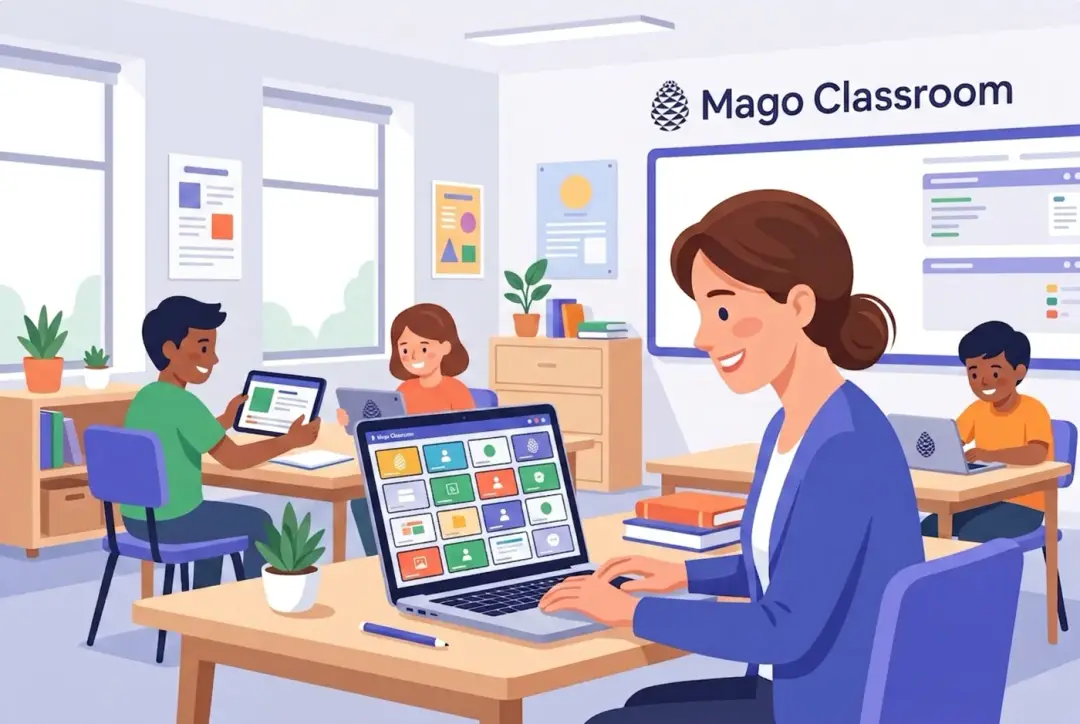
Know who's with you, at a glance
The student grid shows each connected device live. Spot who's following and who's lost — without walking the room.
Reverse the flow in one tap
Pull up to four student screens onto the class display, side by side, and broadcast them to everyone — perfect for peer presentations and comparing work.
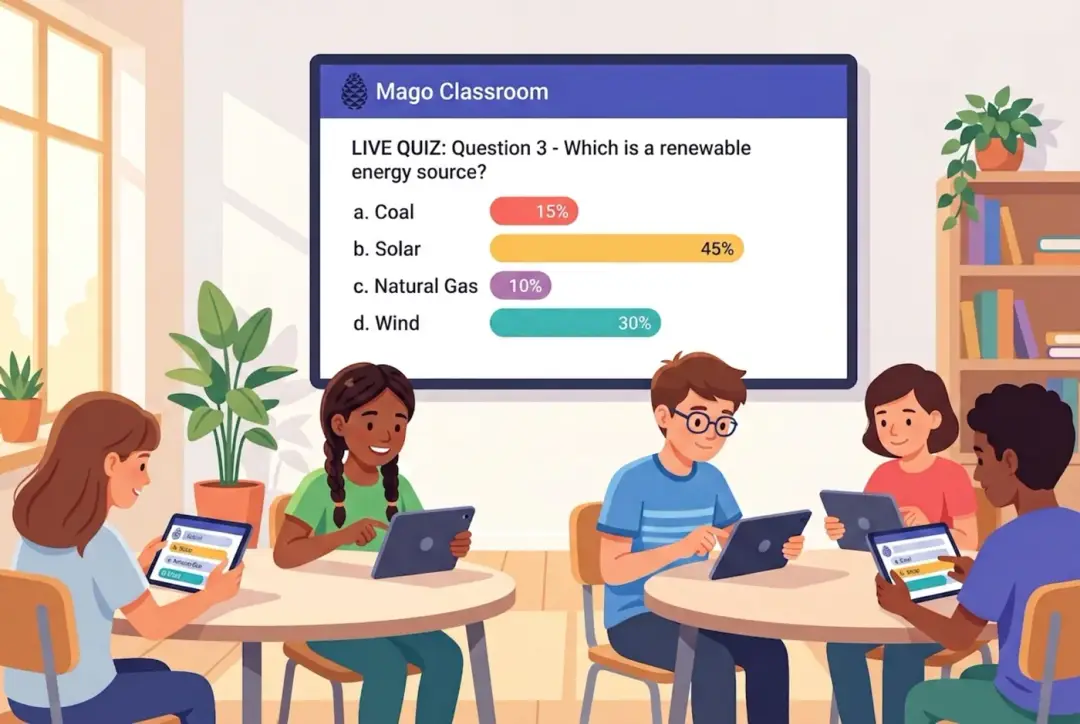
Ask, collect, reveal — live on the wall
Launch a poll or quiz mid-lesson with images and media, and show results on the big screen in seconds.
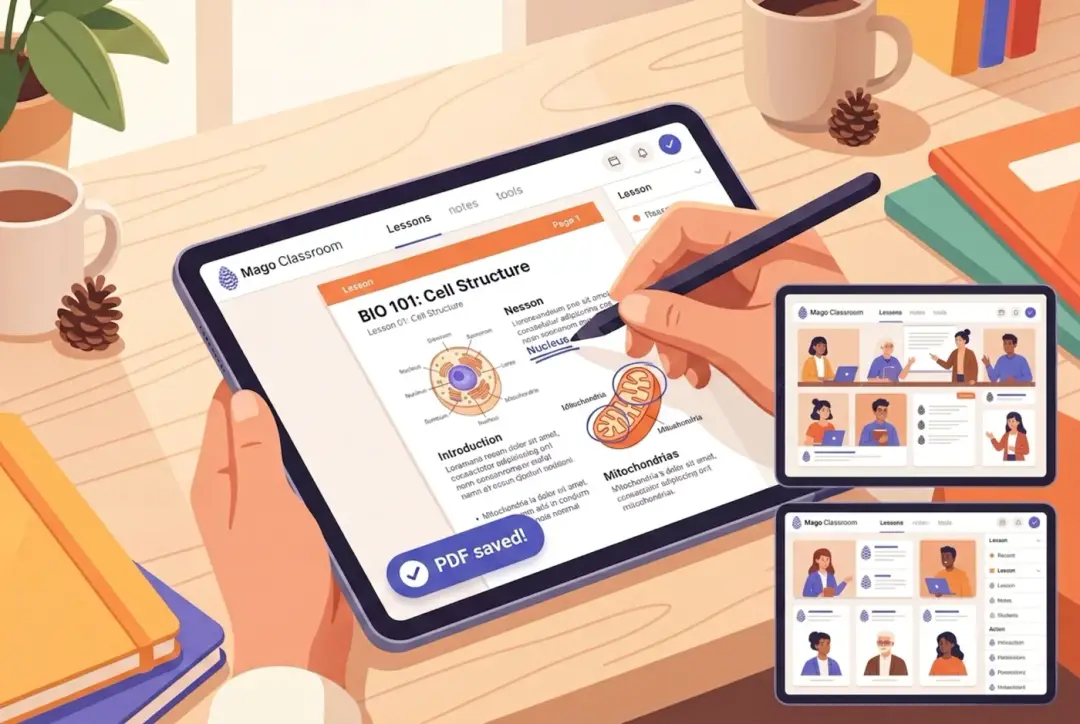
Draw on the lesson, save the PDF
Annotate the live screen. Students keep their own annotated copy and export it as a PDF — personal, on-device, nothing uploaded.
Remote help
Take over a student's Android device to guide them — no walking around the room.
Class chat with media
Share links, files and images with the whole class or a single student.
Raise hand
Students ask for help quietly from their device, right in the console.
Record the lesson
One-tap REC saves the lesson to a local MP4; an on-screen lesson timer keeps time — nothing goes to the cloud.
Big rooms, no cables
Cover a whole hall — without HDMI matrices
Need more than one screen? In Scenario 1 the lesson stream feeds extra Samsung VXT signage displays on the walls, so everyone gets a front-row view in large or deep rooms. No signal splitters, no cable runs — just more screens on the same network.
- Mirror the live lesson to additional wall displays over the LAN
- A fixed URL link for always-on room monitors
- Broadcast live audio & video in real time
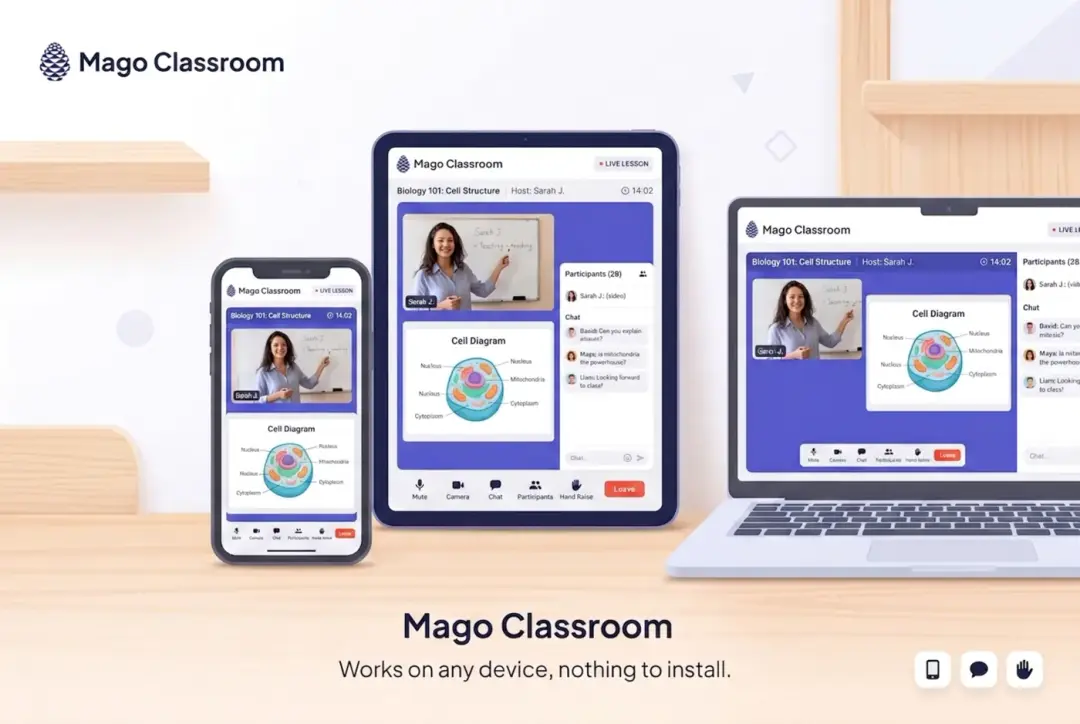
Works on everything they already own
Any device. No friction.
| Teacher console | Any browser on Windows, macOS, ChromeOS |
| Students (app) | Mago Student for iOS & Android — auto-discovers the class on Wi-Fi |
| Students (browser) | Google Chrome browser. Nothing to install, clean HTTPS, no warnings. |
Certified devices
Runs on the displays you already trust
Mago Classroom is certified on leading interactive displays and professional signage — drop it onto the hardware your rooms already use.
Certified partner displays — dedicated page on kb.mago.io coming soon.
Built for schools — privacy by design
Your classroom. Your network. Your data.
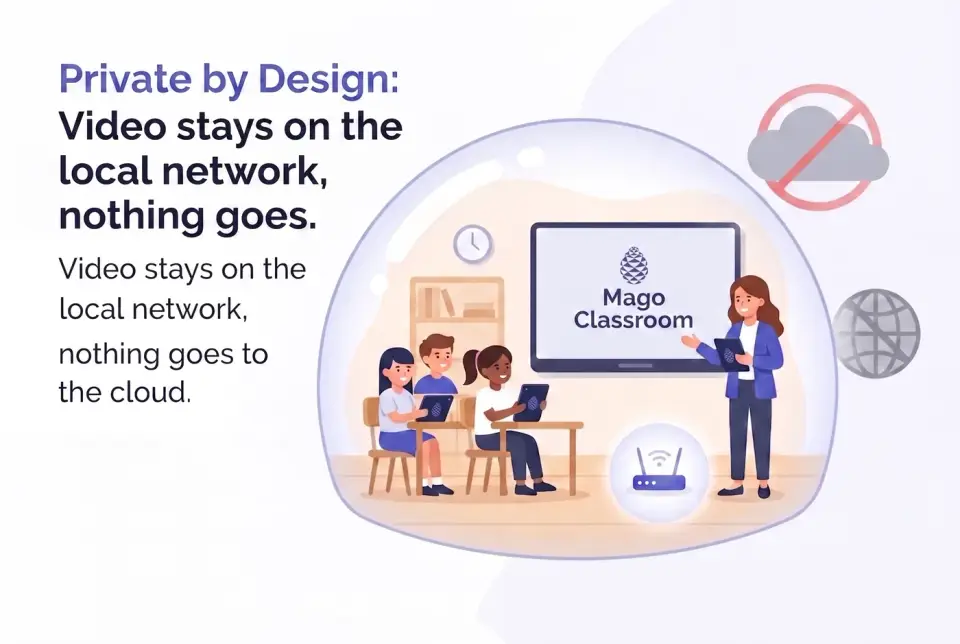
Live video stays on the local Wi-Fi — zero impact on the school's internet, and student screens never leave the building.
- No cloud relay — the stream never goes to the internet
- No accounts for students; they join by code, QR or one tap
- Locked down: optional class code, device PIN, kiosk mode, clean valid HTTPS
- Works offline — once a lesson is running, the internet is optional
“The only thing that leaves the room is the bell.”
Built to survive a real classroom
Solid when the room gets busy
Light on the machine
Runs smooth even on modest laptops — memory stays in check (~100–200 MB), no slowdowns.
No freeze
The video stays fluid even with a full-screen video playing on the wall.
Self-healing
Recovers a black first share on its own and reopens the console if it's closed mid-lesson.
Clean HTTPS
Students connect with no browser warnings, thanks to a valid certificate.
Why Mago
The difference is the network
| Casting dongle | Competitor | Mago Classroom | |
|---|---|---|---|
| Every student gets their own screen | No | ~ | Yes |
| Uses the school's internet bandwidth | No | Heavy | None (local) |
| Student screens leave the building | — | Yes | No |
| Bring a student's screen to the class | No | ~ | (up to 4)Yes |
| Polls & Quizzes, annotations, collaborative whiteboard, remote help | No | ~ | Yes |
| Students join from any device | ~ | No | Web Browser or Student App |
Two ways to deploy
Same lesson. Same features. Your choice of hub.
Mago Classroom installs in two ways, depending on where you want the "brain" — the hub — to run. The teaching experience is identical; only the location of the hub changes.
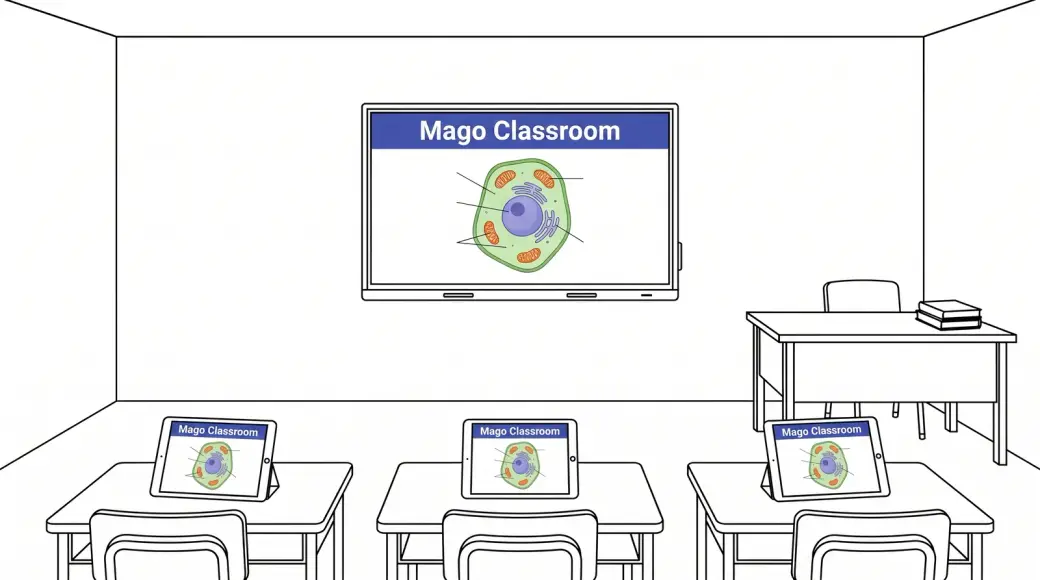
Everything on the Android display
$601Y / 1 displayFor rooms with an Android-OS interactive screen or projector

- Mago Classroom runs on the classroom's Android-OS device (an interactive screen or projector with Android) — it is the hub.
- The display sits on wired Ethernet for rock-solid performance; students connect over Wi-Fi.
- The teacher drives the whole lesson fully wirelessly from a console in the laptop browser.
- Can also feed Samsung VXT signage displays: extra wall screens receive the live lesson stream to cover large rooms — no HDMI cables or splitter matrices.
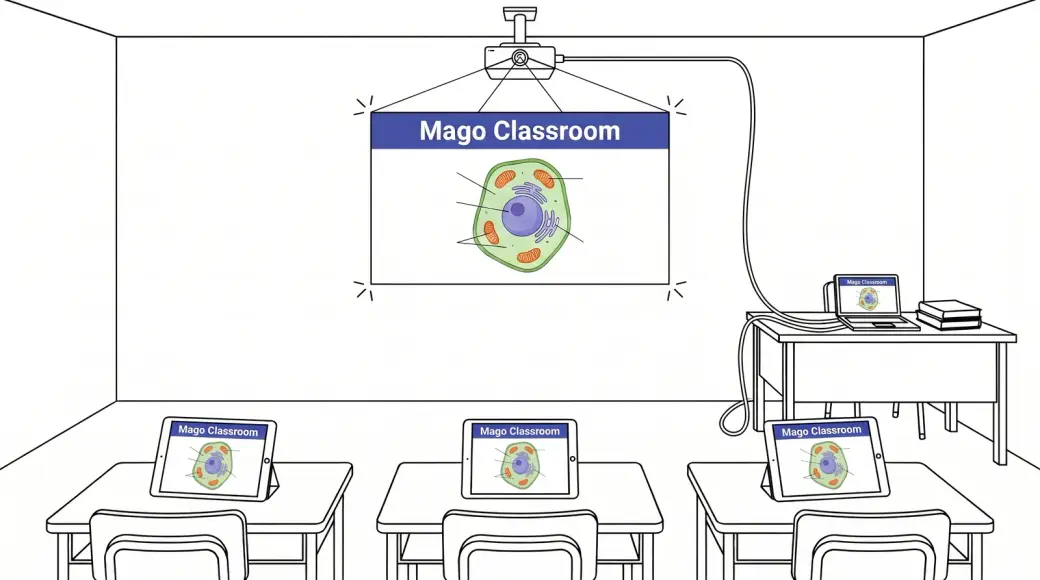
Everything on the teacher's laptop
$291Y / teacherFor rooms with a projector + the teacher's Mac or Windows laptop


- Mago Classroom runs on the teacher's laptop (Mac or Windows 11), which becomes the all-in-one hub.
- The laptop is on wired Ethernet for maximum performance; students connect over Wi-Fi to the stream from the laptop.
- The laptop connects to the projector or class screen as the lesson's audio/video output (extended screen).
- The control console runs right on the laptop screen — nothing extra to set up.